
Introduction
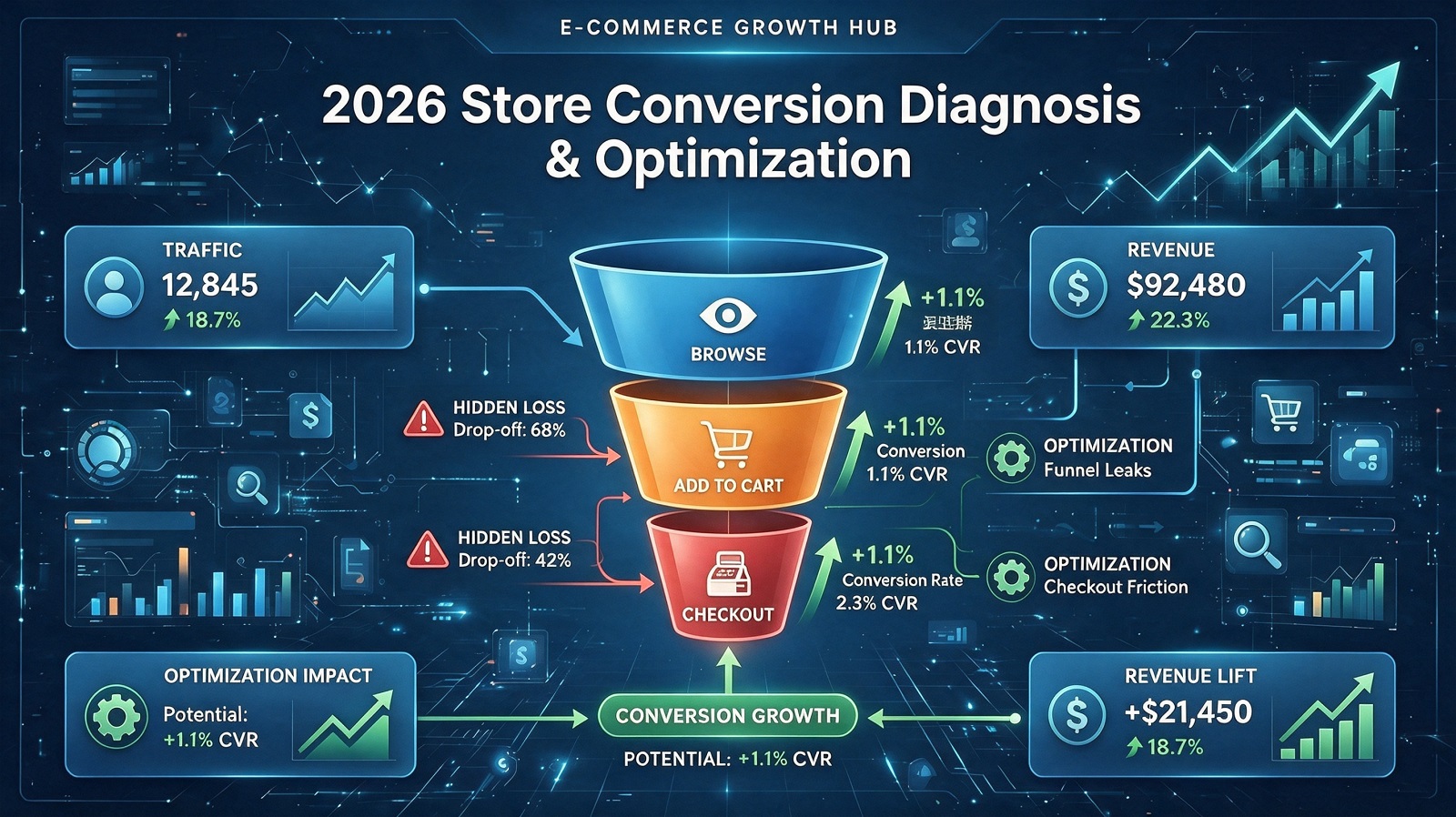
Stable incoming traffic does not always translate to steady orders. A large share of visitors exit midway through browsing, yet most merchants only record total bounce data without checking the specific pages where users leave the site. Uniform page revision based on rough overall indicators rarely reduces user churn effectively.
This Store Analysis article focuses on exit page tracking, a lightweight data diagnosis method suitable for all independent store sizes. It explains how to filter valid exit behavior records from site analytics, divides common exit scenarios by page type, lists typical page defects that trigger user departure, and provides a repeatable monthly store audit process supported by real merchant operation records.
Store Analysis Background: Blind Spots Of Simple Bounce Rate Data
Single overall bounce rate metrics cannot reflect the real user experience gaps within the site, bringing two persistent operational obstacles.
First, vague optimization directions. High overall bounce rates may stem from different page sections; modifying homepage content alone cannot solve exit problems existing on product detail or checkout pages.
Second, repeated ineffective page adjustments. Merchants keep modifying homepage popups or banner modules without confirming the actual pages where most visitors leave, wasting continuous content optimization labor.
Store backend analytics record complete user page jump and exit tracks. Sorting these scattered records by exit page category helps operators target page sections that need priority adjustment.
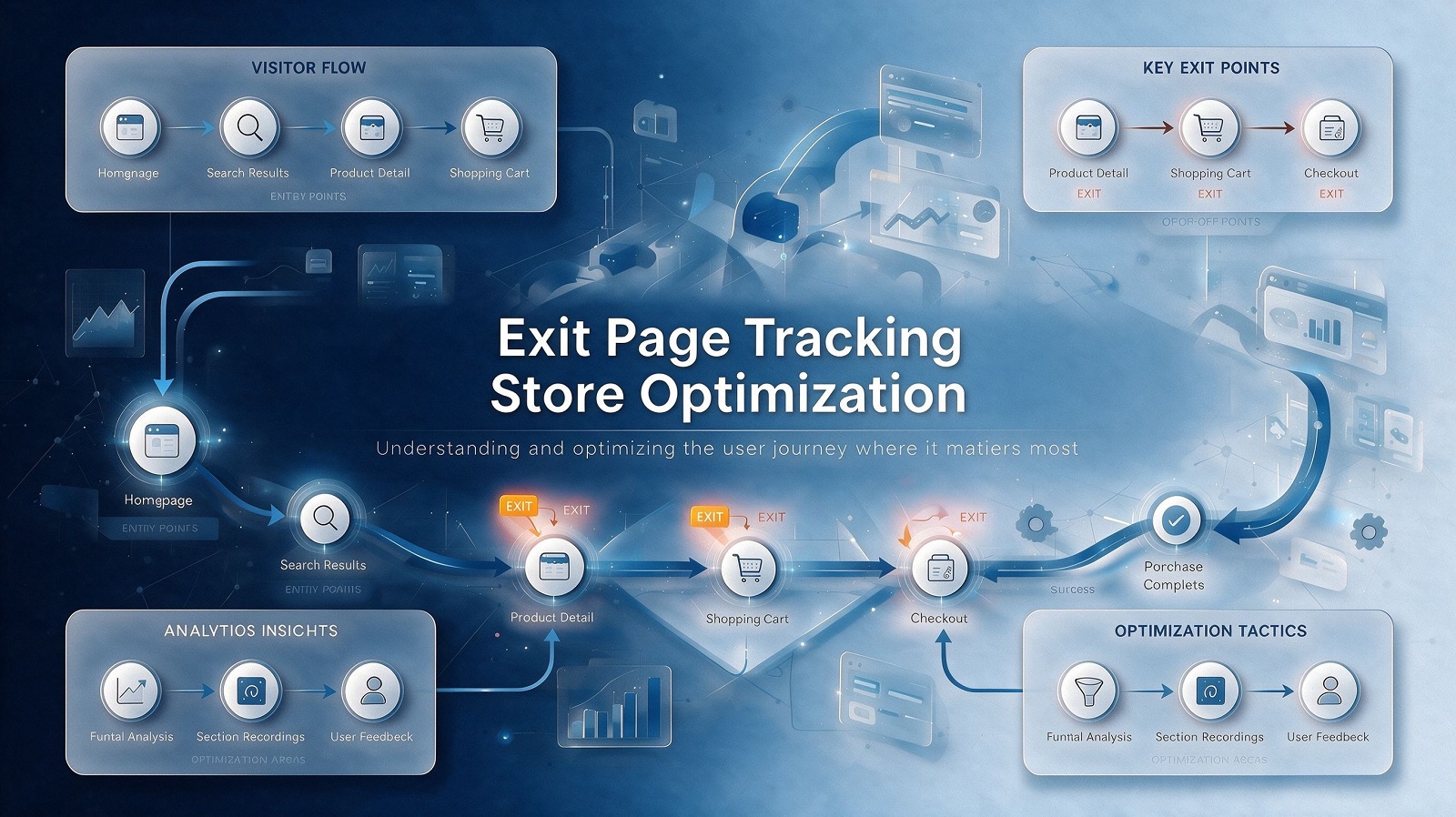
Four Common Page Types With Concentrated Visitor Exit Behavior
Page 1: Category List Pages
Visitors exit category pages when they fail to locate matching niche items quickly. Long, unfiltered product lists without classification filters or scene grouping will extend browsing screening time and prompt users to close tabs.
Page 2: Product Detail Pages
Users leave detail pages after checking core decision-making information. Missing clear size charts, shipping cost breakdowns or plain-language return policy explanations are two common factors that cut browsing retention time.
Page 3: Shopping Cart Pages
Visitors add goods to carts but exit before accessing checkout steps. Unclear additional expense descriptions, complex multi-step checkout processes or limited payment channel options may generate moderate cart abandonment proportions.
Page 4: Checkout Pages
Users reach checkout pages and leave before submitting payment. Sudden cost increases, lengthy address filling forms or lack of local payment method support are typical factors causing exit on this page.
Differentiated Page Adjustment Ideas For Different Store Scales
Small Single-Category Independent Stores
Small teams can prioritize adjustment for one page type with the highest visitor exit proportion first. Simplify redundant content modules on target pages and supplement missing policy or cost information; there is no need to reconstruct all site pages at once.
Multi-Category Brand Stores Covering Multiple Regions
Brands with diversified product lines can set separate audit standards for each page type. Build filter widgets on category pages, standardize regional shipping and after-sales statements on detail pages, and simplify checkout form input items for different market visitor groups. Conduct quarterly cross-page exit data comparison to adjust module display weight.
Common Misjudgments In Exit Page Data Analysis
Misjudgment 1: Attribute all user exit behavior to unappealing product styles
Many visitors leave pages due to incomplete auxiliary information rather than unsatisfactory product appearance. Ignoring policy, cost and operation barrier content will lead to biased optimization directions.
Misjudgment 2: Modify homepage content blindly regardless of real exit page data
Most user exits may concentrate on cart or checkout pages. Adjusting homepage promotional modules cannot ease churn generated at later shopping stages.
Misjudgment 3: Ignore exit data segmentation by traffic source
Visitors from social content and search keywords hold different browsing intentions, and their exit page distribution differs noticeably. Unified page adjustment cannot match the demand traits of all traffic groups.
Misjudgment 4: Conduct exit page tracking only once without regular review
Visitor exit page distribution shifts with seasonal hot-selling product changes and promotional activity cycles. Static page layout adjustment plans gradually lose matching degrees with actual user behavior.
Standard Monthly Exit Page Tracking & Optimization Workflow
Step 1: Extract 30-day user behavior records from store analytics tools
Collect page entry paths, exit page labels and traffic source tags of all visitors who leave the site without completing orders.
Step 2: Count visitor exit volume proportion of each page type
Sort pages by exit user quantity to mark sections with concentrated user churn as priority optimization targets.
Step 3: Observe user operation tracks before page exit
Record common interactive behaviors such as repeatedly checking shipping cost modules or skipping parameter tables to locate specific content barriers.
Step 4: Deploy lightweight page adjustments for high-exit pages
Simplify redundant modules, supplement missing policy information or add quick operation shortcuts based on diagnosed user doubts.
Step 5: Track next month’s exit proportion data to iterate page layout
Compare exit volume changes of target pages after adjustment, and optimize content display logic continuously according to updated user behavior records.
Daily Exit Page Analysis Operation Checklist
Classify exit data by page type instead of only viewing overall site bounce rates.
Distinguish exit page distribution between social traffic and search traffic visitor groups.
Supplement complete shipping cost and return policy explanations on product detail pages to reduce mid-browsing exit.
Simplify cart and checkout page operation steps to lower pre-payment abandonment proportion.
Prioritize optimization for page types with the largest volume of departing visitors each month.
Conduct exit page data review monthly to adapt page layout to changing user browsing habits.
Practical Store Optimization Observation Case
A home storage independent store maintained stable daily traffic yet saw flat monthly conversion volume in Q2 2026. The operation team previously kept adjusting homepage promotional banners, without sorting exit page data to find core user loss links.
After deploying exit page tracking analysis and targeted page modification:
• Exit volume on cart and checkout pages declined moderately;
• Visitor retention time on product detail pages grew slightly;
• Overall store cart addition to checkout completion ratio saw incremental improvement;
• Frequency of user consultation about shipping and return rules decreased.
The store data analyst shared feedback: Exit page tracking locates invisible experience barriers blocking order generation. Targeted adjustments for pages with concentrated user departure can improve traffic utilization without heavy advertising investment.
Core Takeaways
Simply tracking overall bounce rates cannot expose hidden page experience defects; exit page tracking helps pinpoint specific sections where visitors tend to leave the store.
Four page types carry concentrated user exit behavior: category lists, product details, shopping cart and checkout pages, each with unique user loss trigger factors.
Small single-category stores and multi-region brand merchants can launch targeted page adjustment plans matching their own operation scale and manpower conditions.
Monthly exit data review and lightweight page iteration maintain stable visitor retention performance across seasonal demand shifts.